groups
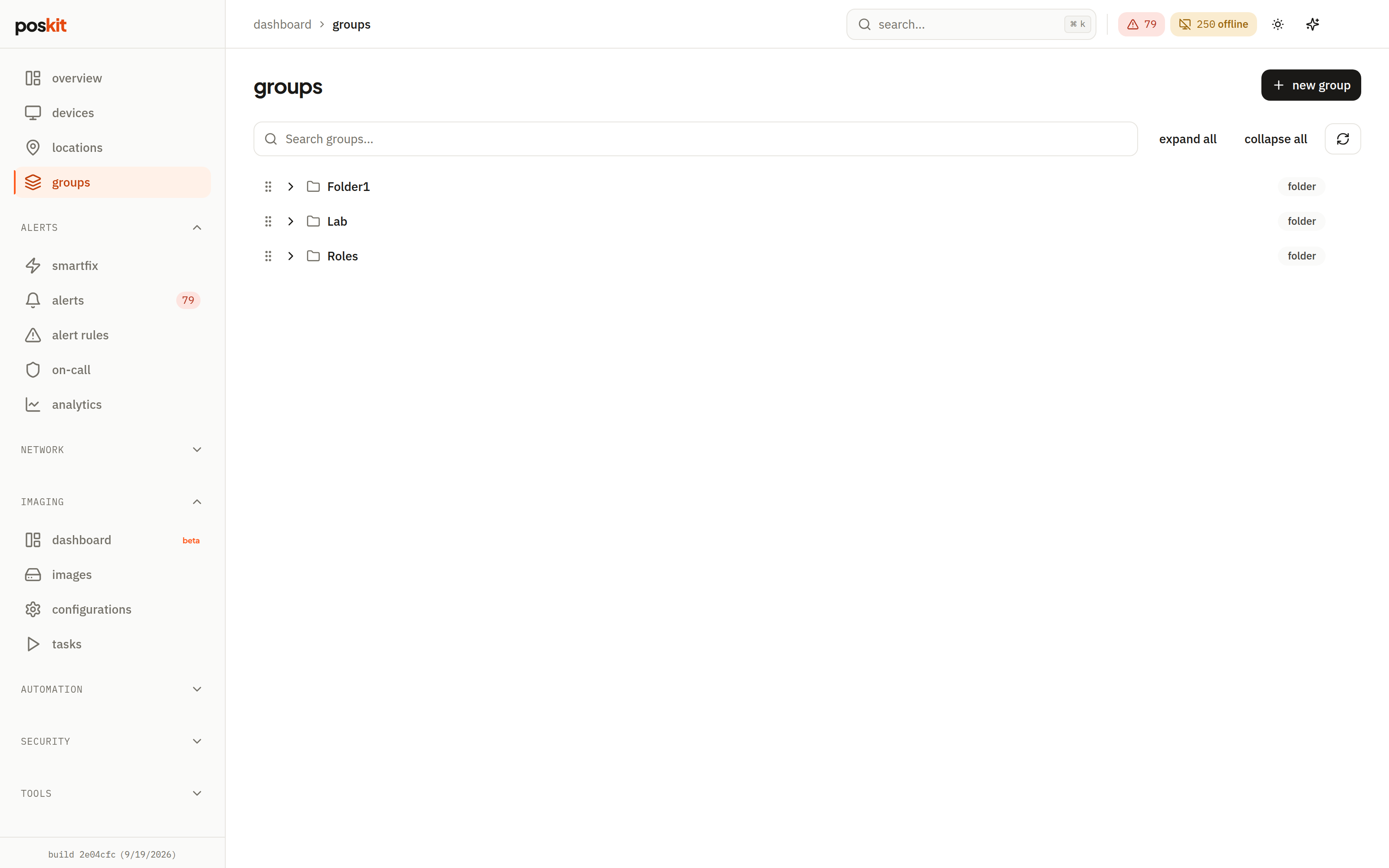
Groups organise devices into a tree that reflects how your team actually works, independently of where devices physically sit. Unlike locations, which are singular and physical, a device can belong to many groups or none.
in this section
| Page | Covers |
|---|---|
| group types | Folder, static and dynamic groups, the tree, and group details |
| dynamic groups | The query builder, fields, operators and evaluation |
the three types
| Type | Membership | Holds |
|---|---|---|
| Folder | — | Other groups only. No devices, and no device count |
| Static | Manually curated | A device list you maintain by hand |
| Dynamic | Automatic | Devices matching a saved query; membership changes on its own |
See group types for how each behaves in practice.
creating a group with kit
Create with kit on the groups page opens group setup in the Kit drawer. Describe the group ("all the tills at Soho", "kiosks running Windows 11") and Kit proposes the matching rule with a live device count and a suggested name, for you to confirm. The setup also starts on its own the first time an organisation with no groups opens the page. See guided setups.
what groups are used for
Beyond organising the estate, a group is a targeting unit:
- Targets for running scripts and schedules
- A tier in agent configuration, where a group override beats its location and the order of the group list decides which group wins a contested flag
permissions
Groups is a hard gate. Without group:view, the page redirects to the dashboard — it does not show an empty state or a permission message. A colleague reporting that clicking Groups bounces them back to the dashboard has a permissions problem, not a fault.
The default member role does not include group:view.
| Action | Minimum role |
|---|---|
| View groups | viewer (group:view) |
| Create and edit groups | manager (group:create, group:edit) |
| Delete groups | admin only (group:delete) |
Note that delete is admin-only, a step above create and edit. Managers can build the whole group structure but cannot remove any of it.
choosing between groups, tags and locations
The three organising mechanisms are independent and it is worth being deliberate about which one carries a given distinction:
| Use | When |
|---|---|
| Location | The device physically sits there. One per device, no exceptions |
| Tags | A free-form label; many per device; drives dynamic group criteria, alert assignment and schedule targeting |
| Groups | A structured, named set you want to act on or report on as a unit |
A good pattern is to tag devices and locations with the facts, then build dynamic groups whose criteria read those tags. The tags carry the data; the groups carry the structure. That way a device only has to be labelled correctly once, and every group that depends on that label updates itself.